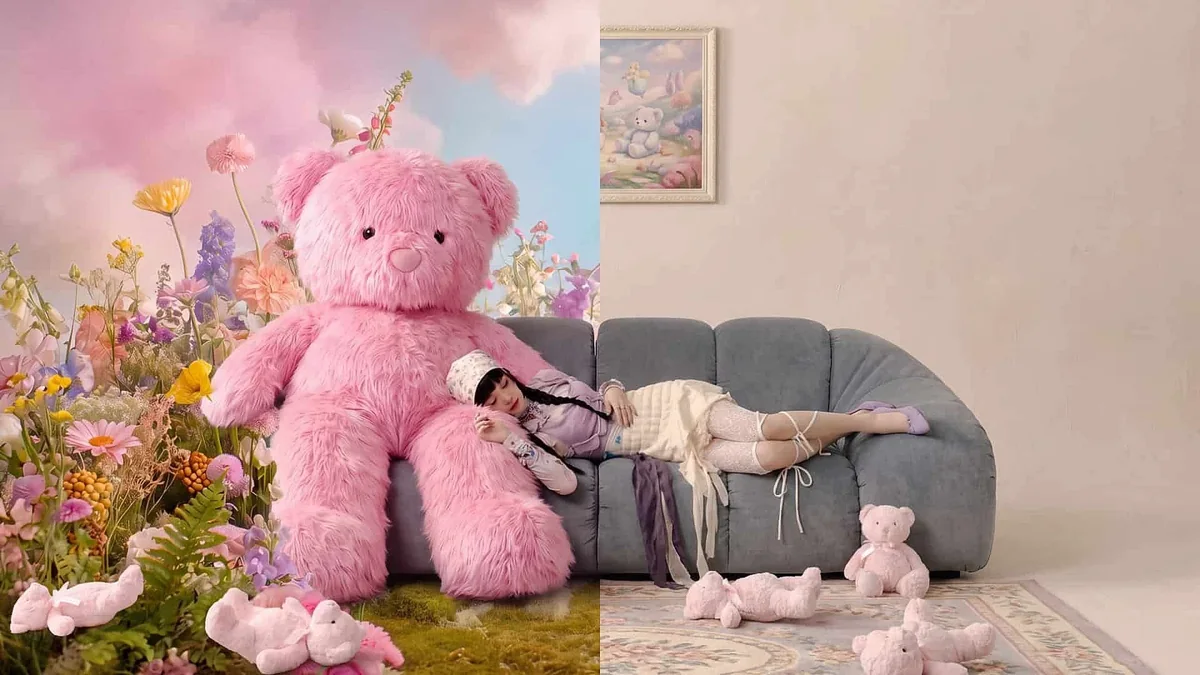
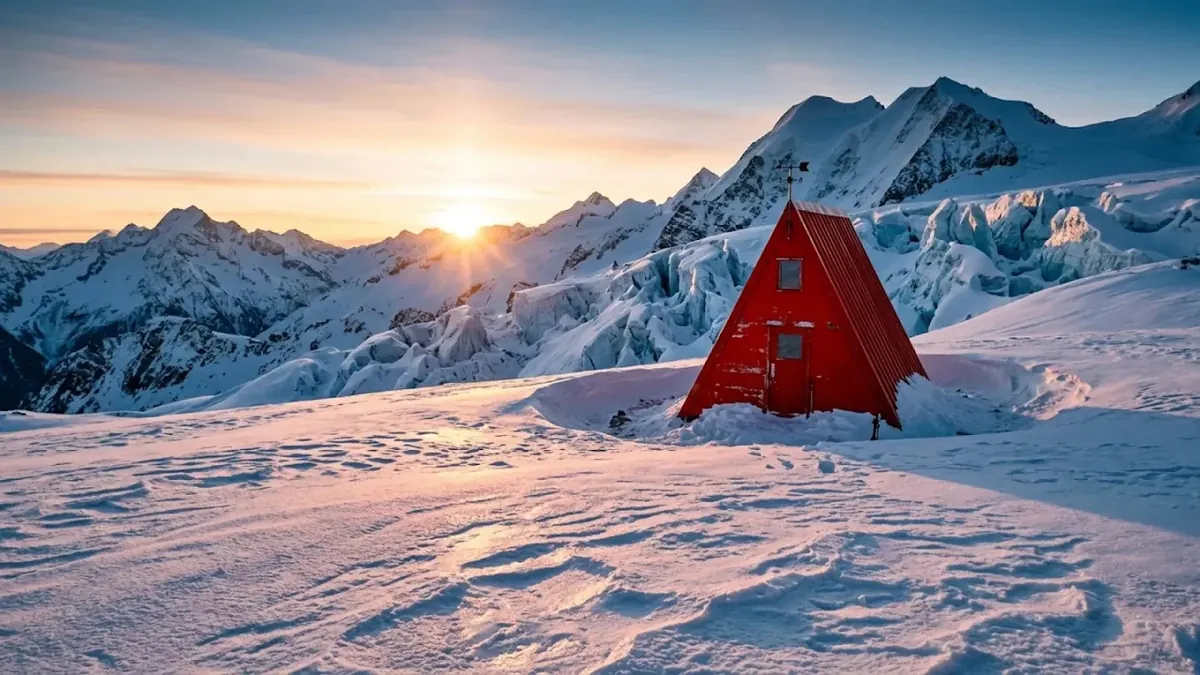

Ship a Homepage Banner
Site managers set 8:1 at 2K and get a header strip.
Try it for
- Sales
- Blogs
- Events
- Shops
Frame shape and references do the heavy lifting.

Type the banner idea and set 8:1 at 2K; the model composes for the full strip, not a square you crop later. Keep headlines short.

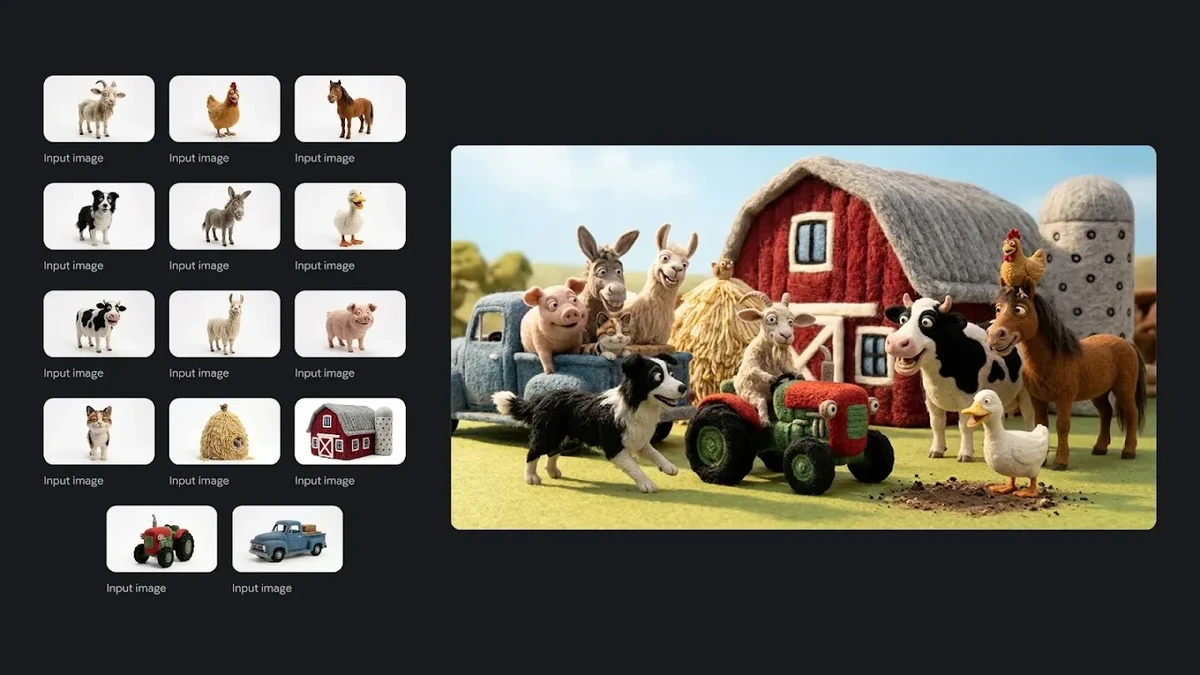
Upload up to 10 photos of one item and describe the new setting. The scene starts from the product you stock, not a guess from text.

Add one reference per character and say who stands where. Google's own tests rate this model well on multi-character scenes, yet faces and left or right placement can slip, so plan a retry.
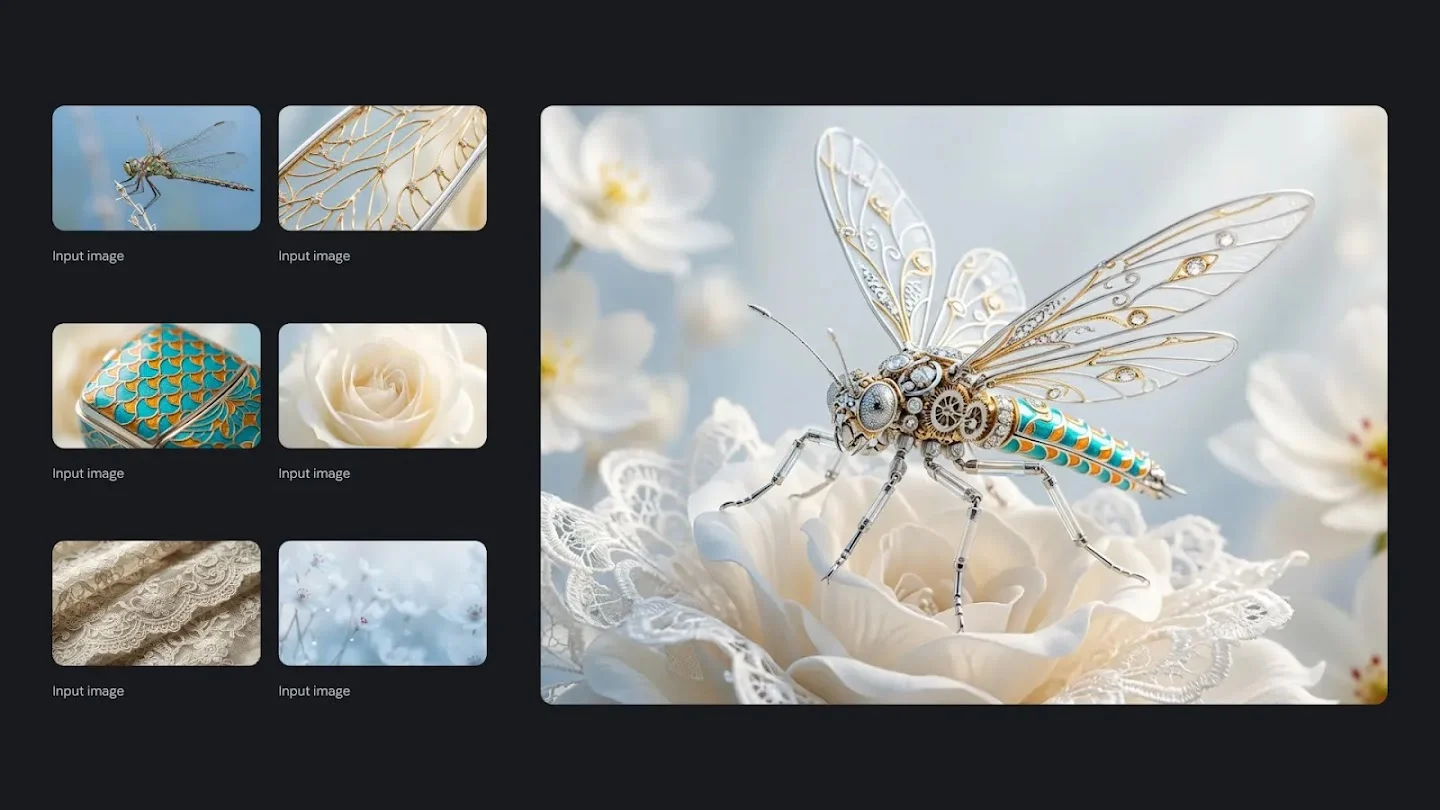
Nano Banana 2.1 is a Google image model that takes a text prompt plus up to 10 optional reference images and returns one PNG or JPG at 1K, 2K or 4K. You set the frame from 15 aspect ratios, including 1:4, 4:1, 1:8, 8:1 and auto. References show what your products, people or style look like; the prompt says what to do with them. The ratio fixes the canvas first, so a banner or phone strip is planned for that shape rather than cut from a square. On this site Nano Banana 2.1 runs at 1K on the free plan. For transparent backgrounds, use another model from the related pages below.
Words, references and canvas: one tab each.
A prompt alone is enough. Name the subject, setting, light and any short headline.
Prompt-only start
No upload needed.
Long briefs
Up to 20,000 characters.
Short headlines
Keep in-image copy brief.
Six capabilities in the panel above.
Square, portrait, landscape and extreme strips in one menu.
Leave the shape open when the placement is not fixed yet.
Draft small, then rerun the version you keep at a larger size.
Feed products, faces or style samples in with the prompt.
JPG by default; switch to PNG whenever you need it.
Place several referenced characters in one frame; results vary.
Commercial use is included on the Business plan.
Site managers set 8:1 at 2K and get a header strip.

Social editors describe a story, set 1:8 at 1K, and get one tall strip.

Online sellers upload four product angles, set 1:1 at 2K, get a listing photo.

Comic artists add character references at 16:9 and get one cast panel.

Trainers paste an outline into Nano Banana 2.1, set 4:3 at 2K, and get a titled diagram.

Event planners enter the details, set 3:4 at 2K, get a poster draft.
Three steps that match the panel above.
Sign in, type your prompt and, if you have them, upload up to 10 reference images.
Choose an aspect ratio, a resolution of 1K, 2K or 4K, and PNG or JPG.
Run Nano Banana 2.1, zoom into text and faces, then adjust and rerun.
Capabilities, references, frame shapes, text, credits and known limits.
Nano Banana 2.1 is a Google image model, and Try Nano Banana at trynanobanana.io runs it from a prompt plus up to 10 reference images. You get PNG or JPG files at 1K, 2K or 4K in 15 aspect ratios. Against Nano Banana 2, Google's model card reports a higher overall preference score for the 2.1 Thinking variant (1050 vs 990); that is Google's own human-preference test, not a result measured on this site.
Upload one to 10 images and say in the prompt what each should contribute: the product's shape, a person's face or a colour palette. Reference images guide the look without adding credits, since the cost depends only on resolution. If a detail drifts, use a clearer photo.
Nano Banana 2.1's 8:1 ratio suits wide page banners, and 1:8 suits tall phone strips that people scroll. Both sit among 15 ratios here, alongside 1:4, 4:1 and auto. Keep the subject simple and any text short.
Small and long text is a weak spot Google lists for Nano Banana 2.1, and it shows most at 1K. Shorten the copy, make it larger in the layout, or rerun at 2K or 4K. Higher resolution may help small text, but it does not guarantee correct spelling, so proofread every word.
Nano Banana 2.1 uses 4 credits for a 1K image, 6 for 2K and 9 for 4K, and reference images add nothing. New accounts get 10 credits, valid for 30 days, which covers two 1K images; you need to sign in to generate. 2K requires the Basic plan and 4K requires the Pro plan.
Google's model card for Nano Banana 2.1 notes that character consistency is not always perfect and that left and right are occasionally confused. Name positions plainly, such as 'the woman on the left holds the cup', give each person a clear reference, and rerun when a face drifts.
Where to go after Nano Banana 2.1.

Nano Banana 2.1: Wide Images with References
Add a prompt and up to 10 reference images, then pick one of 15 ratios, from an 8:1 banner to a 1:8 strip. 1K is free; 2K needs Basic, 4K needs Pro.
0 / 20000